
How to Check Out Library Items Using the MARINet App
You can use the MARINet App to check out library items using your phone. It’s quick and easy, and you can skip the checkout line.
How to Check Out an Item
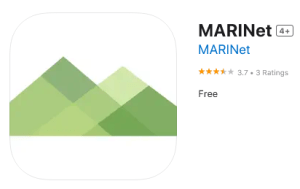
1. Open the MARINet App
Open the MARINet App on your phone.
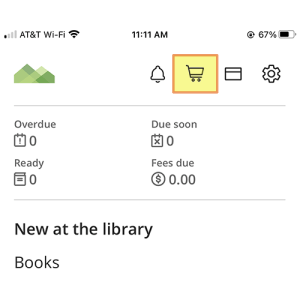
2. Select Mobile Checkout
Tap the Mobile Checkout option in the app.
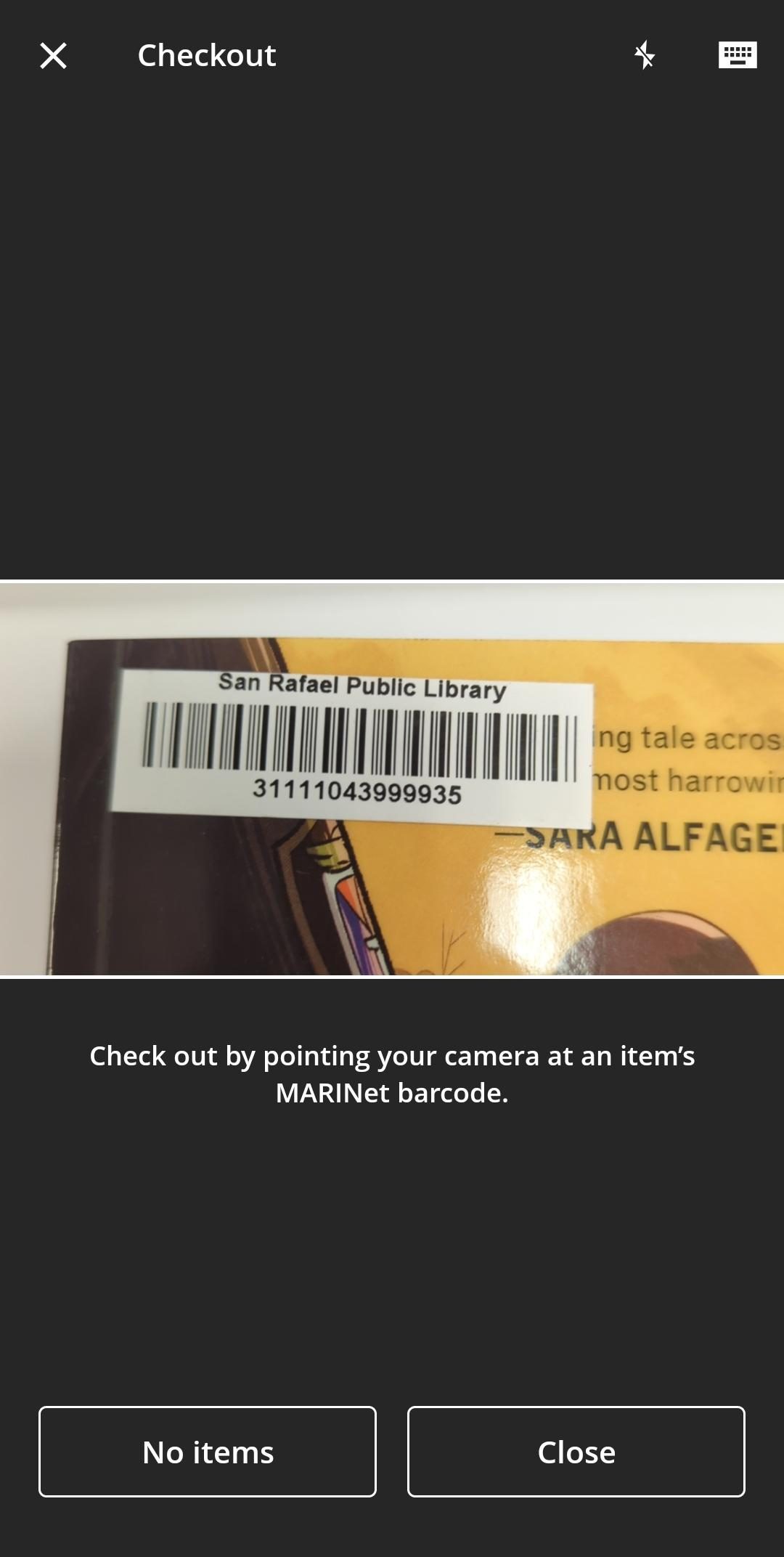
3. Scan the Item
If prompted, allow the app to use your phone’s camera.
Point your camera at the barcode on the library item.
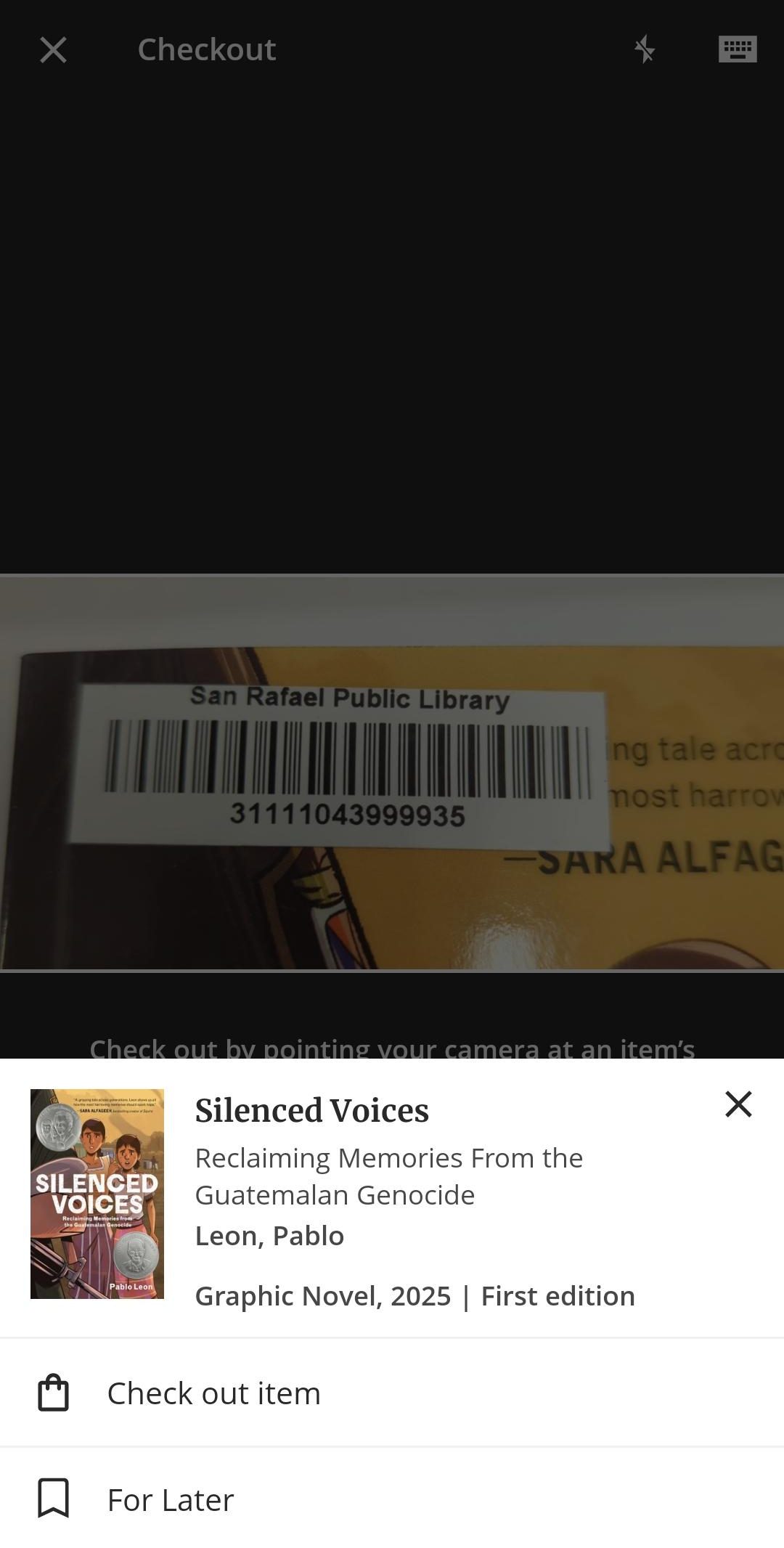
4. Check Out the Item
After the barcode is scanned, follow the prompts to check out the item.
5. Scan More Items
Have more items to check out? Scan each item one at a time.
When you’re finished, select Done.
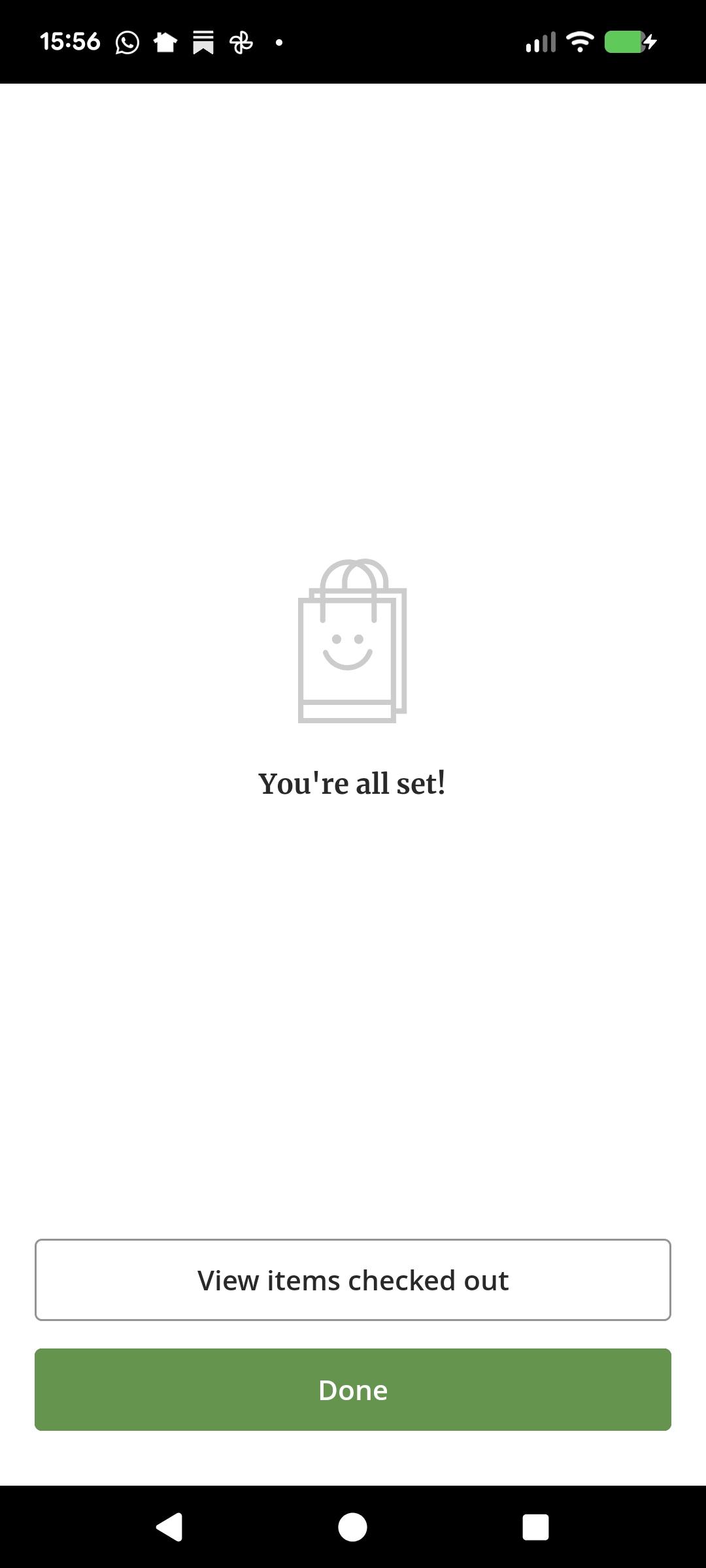
6. You’re Done!
Your items are now checked out.
You can view your checked-out items and their due dates in the MARINet App.
Need Help?
If you have trouble using Mobile Checkout, please ask a library staff member for assistance.
Please note: Mobile Checkout may not be available for all library items.